

Managing money has become much simpler with online banking and digital accounting tools. Today, people no longer need to write every transaction in notebooks or maintain paper records for tracking expenses. Financial file formats like OFX help users organize and transfer banking information quickly and accurately.
OFX is commonly used by banks, accounting software, and finance applications to exchange financial data in a structured way. Whether someone wants to manage personal expenses, business transactions, or monthly bank statements, OFX files help simplify the process.
Many users see OFX files while downloading account statements from their online banking portal. These files are especially useful because they can automatically import financial information into accounting software without manual data entry.
This guide explains everything about OFX in simple and easy language so beginners can understand how it works and why it is important in modern financial management.
What Does OFX Stand For?
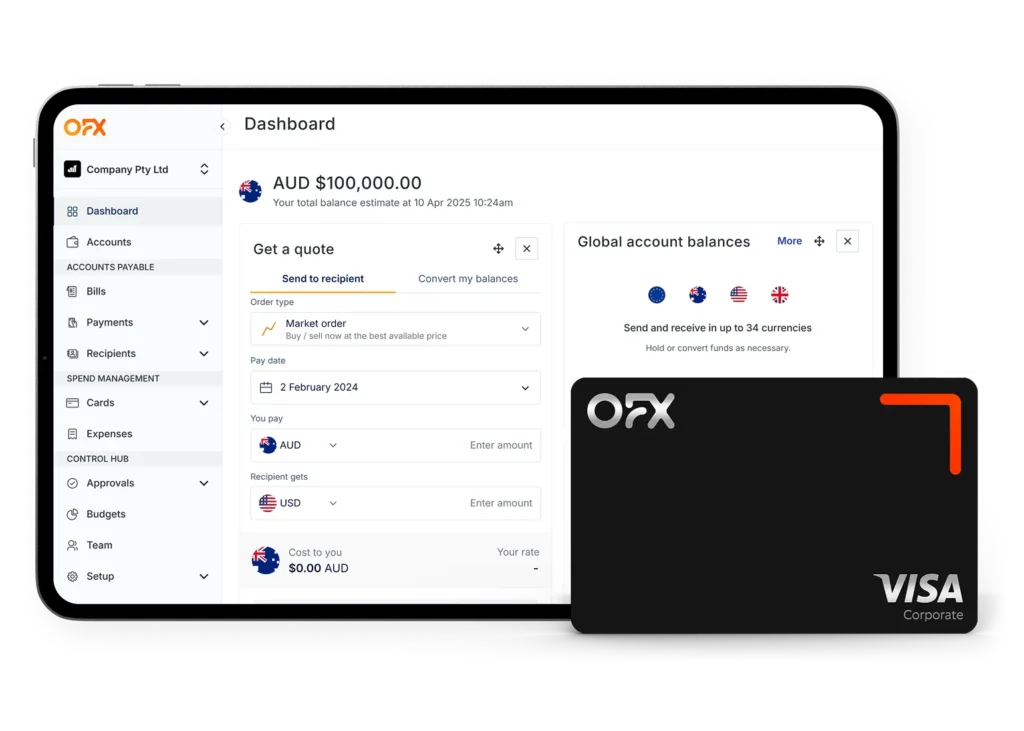
OFX stands for Open Financial Exchange. It is a financial data format developed to make communication between banks and financial software easier and more reliable.
The format was created to help users transfer financial information electronically instead of entering transactions manually. It allows banking systems and accounting applications to exchange information in a standard format that software can easily understand.
The main purpose of OFX is:
- Simplifying financial data transfer
- Reducing manual work
- Improving transaction accuracy
- Helping users manage finances efficiently
Today, OFX is widely used in personal finance software, bookkeeping systems, and online banking services.
What Is an OFX File?
An OFX file is a digital file that stores financial and banking information in a structured format. These files are mainly used for sharing account data between banks and financial software.
When users download transaction history from a bank account, the file may be available in OFX format. The software then reads the file and automatically organizes the transactions.
An OFX file may contain:
- Bank account details
- Transaction history
- Payment records
- Account balance information
- Transfer details
- Check information
Unlike simple spreadsheet files, OFX files are designed specifically for financial systems. This makes them more suitable for accounting and bookkeeping tasks.
How OFX Works
OFX works by creating a standardized method for exchanging financial information between banks and software applications.
Here is a simple example of how it works:
- A user logs into online banking.
- The bank provides an OFX file for download.
- The user imports the file into accounting software.
- The software automatically reads and organizes the transactions.
This process removes the need for typing every transaction manually. The imported data often includes:
- Transaction descriptions
- Payment amounts
- Dates
- Merchant details
- Account balances
Because OFX uses a structured format, software can quickly identify and categorize the information.
This system is helpful for:
- Businesses managing large numbers of transactions
- Individuals tracking spending
- Accountants handling bookkeeping tasks
Information Stored in an OFX File

OFX files contain different types of financial information depending on the bank or service provider.
Bank Account Information
This section usually includes:
- Account number
- Account type
- Bank identification details
- Customer account information
This helps software identify which account the transactions belong to.
Transaction History
One of the most important sections of an OFX file is transaction history.
It may include:
- Deposits
- ATM withdrawals
- Debit card purchases
- Online payments
- Bank transfers
The transaction list helps users monitor financial activity easily.
Payment Details
Each transaction may also include:
- Store or merchant names
- Payment references
- Notes or descriptions
- Transaction IDs
These details help users understand where money was spent.
Dates and Amounts
OFX files usually record:
- Transaction dates
- Payment amounts
- Current balances
- Pending transactions
This information helps maintain accurate financial records.
Benefits of Using OFX
OFX offers several advantages for both personal and business finance management.
Easy Transaction Import
Users can quickly import bank transactions into financial software within seconds. This saves time and reduces the effort needed for bookkeeping.
For businesses with hundreds of transactions, this feature is extremely useful.
Better Accuracy
Typing financial records manually can lead to mistakes such as:
- Incorrect amounts
- Missing transactions
- Wrong dates
OFX files reduce these problems because the data comes directly from the bank.
Compatible With Many Financial Tools
Many financial applications support OFX, making it easy to connect banking information with budgeting or accounting systems.
Common uses include:
- Expense tracking
- Tax preparation
- Budget planning
- Financial reporting
Faster Financial Management
Because OFX automates transaction importing, users can manage finances more efficiently and spend less time organizing records manually.
Improved Organization
OFX files help keep transaction records structured and easy to search. This is especially helpful during audits, tax filing, or business reporting.
Difference Between OFX and CSV
OFX and CSV files are both used for storing data, but they serve different purposes.
| OFX | CSV |
| Designed for financial systems | General spreadsheet format |
| Structured banking data | Simple text rows and columns |
| Supports automatic transaction imports | Often requires manual editing |
| Includes account and balance details | Usually contains basic data only |
| Better for accounting software | Better for spreadsheets |
CSV files are easier to open in spreadsheet software, but OFX files provide better support for financial applications because they contain more detailed banking information.
Software That Supports OFX
Many finance and accounting applications support OFX files.
Popular software includes:
- QuickBooks
- Quicken
- GnuCash
- Microsoft Money
- Moneydance
- Personal finance apps
Some banks also allow direct synchronization using OFX-supported systems.
These tools help users:
- Import transactions
- Create reports
- Track expenses
- Monitor account balances
Businesses and freelancers often rely on OFX-compatible software for daily bookkeeping.
How to Open an OFX File
There are multiple ways to open and use OFX files.
Using Accounting Software
This is the most common method. Users simply import the file into accounting software through the import menu.
The software then organizes all transactions automatically.
Using a Text Editor
OFX files can also be opened with:
- Notepad
- Notepad++
- TextEdit
- VS Code
The content may appear technical because the file contains structured financial tags and data.
Converting OFX to CSV
Some users prefer converting OFX files into CSV format so they can:
- Open the data in Excel
- Create spreadsheets
- Edit transaction records manually
Many online converters and finance applications support OFX conversion.
Common Uses of OFX Files
OFX files are useful in many financial situations.
Personal Finance Management
People use OFX files to:
- Monitor daily spending
- Create monthly budgets
- Review account activity
- Track savings goals
Business Accounting
Businesses use OFX for:
- Recording company expenses
- Managing payroll transactions
- Tracking payments
- Preparing financial reports
Bank Statement Downloads
Many online banking systems offer OFX as a statement download option because it works well with accounting software.
Expense Tracking
Expense management applications often import OFX files automatically to organize transactions by category.
Tax Preparation
Financial records stored in OFX format can help during tax filing because the transactions are already organized and easy to review.
Is OFX Safe to Use?
OFX is generally considered safe when downloaded and used correctly.
Since the file contains sensitive financial information, users should take security seriously.
Helpful safety practices include:
- Download files only from trusted banking websites
- Avoid sharing OFX files publicly
- Use password-protected devices
- Keep financial software updated
Some financial systems also use encrypted connections while transferring OFX data online.
Users should always delete unnecessary files containing sensitive banking information.
Common Problems With OFX Files
Although OFX files are useful, users may sometimes experience problems.
File Not Opening
This may happen because:
- The software does not support OFX
- The file is damaged
- The file extension was changed incorrectly
Trying another accounting program may solve the issue.
Import Errors
Some software may show import errors due to:
- Incorrect formatting
- Unsupported bank settings
- Corrupted transaction data
Updating the software often helps fix compatibility problems.
Unsupported Software
Not every spreadsheet or finance tool supports OFX files directly. In such cases, converting the file to CSV may be necessary.
Duplicate Transactions
Sometimes importing the same OFX file multiple times can create duplicate entries in accounting software.
Users should review imported records carefully.
Tips for Managing OFX Files
Proper file management helps keep financial data organized and secure.
Keep Backup Copies
Always create backup copies of important OFX files in case the original file becomes damaged or deleted.
Use Trusted Software
Reliable accounting software improves security and reduces the chances of import problems.
Organize Financial Records Properly
Users should organize files based on:
- Month
- Year
- Bank account
- Business category
This makes future searches easier.
Check Imported Transactions
After importing an OFX file, it is a good idea to review the transactions for missing or duplicate records.
Protect Sensitive Information
Because OFX files contain financial details, users should avoid sending them through unsecured platforms.
Conclusion
OFX is an important financial file format that helps users transfer banking information quickly and accurately. It simplifies the process of importing transactions into accounting software, reducing manual work and improving financial organization.
Whether used for personal budgeting or business bookkeeping, OFX files save time and make financial management more efficient. With support from many banks and accounting applications, OFX continues to be a reliable solution for handling digital financial records.
For anyone looking to organize expenses, track transactions, or simplify bookkeeping tasks, understanding OFX can be very helpful.
Frequently Asked Questions (FAQs)
What is an OFX file used for?
An OFX file is used for transferring financial data such as bank transactions and account details between banks and accounting software.
Can I open OFX files in Excel?
Excel does not directly support OFX files, but users can convert them into CSV format for easier viewing and editing.
Is OFX better than CSV?
For financial data management, OFX is generally better because it is specifically designed for banking and accounting systems.
Which software supports OFX?
Many finance applications support OFX, including QuickBooks, Quicken, GnuCash, and several budgeting tools.
How do I convert OFX to CSV?
Users can convert OFX files to CSV using online conversion tools or accounting software with export features.
Why do banks use OFX files?
Banks use OFX because it provides a standard format for sharing financial information with accounting and finance software.