
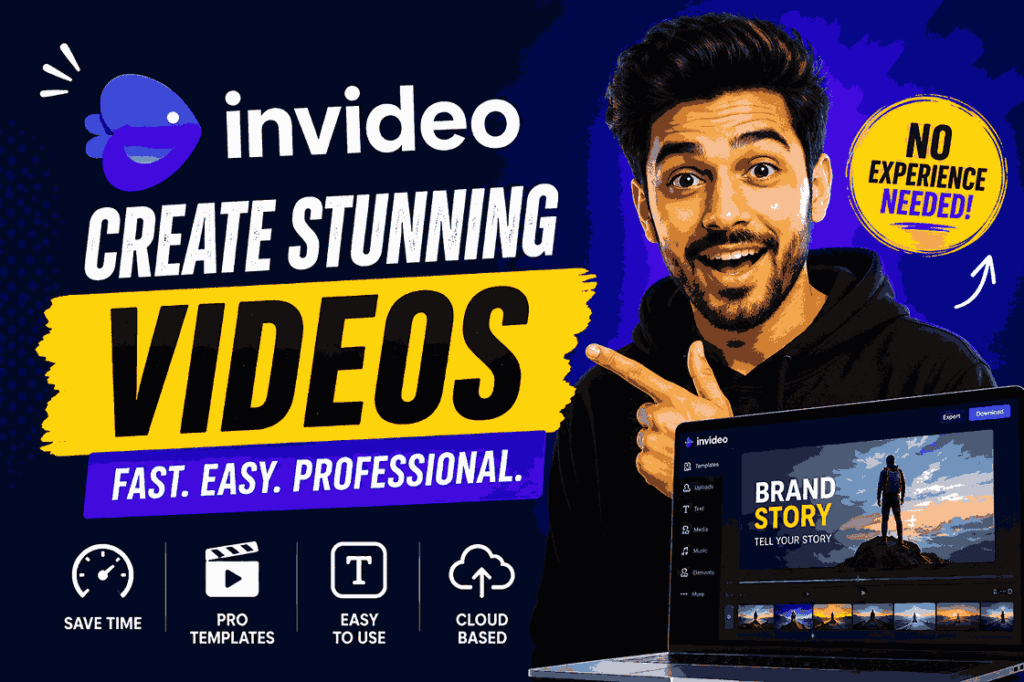
InVideo is an online video creation platform that helps people make videos in a simple and fast way. It is designed for users who do not have video editing skills but still want to create professional-looking content. With InVideo, you can turn your ideas, scripts, or text into complete videos within minutes.
This tool is widely used by YouTubers, digital marketers, small business owners, and social media creators. It provides ready-made templates, stock footage, music, and easy editing options, which makes the whole process smooth and beginner-friendly. Instead of spending hours learning complex software, users can simply choose a template, add their content, and let the platform build the video.
InVideo also supports different types of videos such as promotional ads, educational videos, and social media posts. It works directly in the browser, so there is no need to install any software. This makes it a flexible and convenient choice for anyone who wants to create videos quickly and share them online.
What is InVideo?
InVideo is an online video creation tool that helps users make professional videos in a very simple way. It is designed for people who do not have advanced video editing skills but still want to create high-quality videos for personal or business use. The platform works directly in a web browser, so there is no need to download or install any software.
With InVideo, users can create videos by using text, templates, or simple ideas. The tool automatically converts content into a video format by adding visuals, background music, transitions, and text. It also provides a large library of stock videos and images, which makes it easier to build engaging content.
This platform is commonly used for YouTube videos, social media posts, advertisements, product promotions, and educational content. It saves time because most of the editing work is done using ready-made tools and layouts.
InVideo also allows users to customize videos according to their needs. You can change text, add your own media, adjust timing, and choose different styles. This makes it flexible for both beginners and professionals.
Overall, InVideo is a useful tool for anyone who wants to create videos quickly without learning complex editing software. It focuses on simplicity, speed, and easy video production for everyday users and businesses.
Key Features of InVideo
InVideo is a popular online video creation platform that helps users make professional videos without complex editing skills. It is built for beginners as well as professionals who want fast and easy video production. The tool combines templates, media libraries, and smart editing options to simplify the entire process. Below are the key features that make InVideo useful and widely used.
- Text to Video Conversion: InVideo allows users to turn written text into complete videos. You just enter your script or idea, and the tool automatically builds a video with scenes, visuals, background music, and transitions. It is very useful for quick content creation.
- Ready-Made Templates: The platform provides a wide collection of pre-designed templates. These templates are created for ads, YouTube videos, business promotions, and social media content. They help users save time and create videos with a professional look.
- Stock Media Library: InVideo offers access to a large library of stock videos, photos, and music tracks. Users can easily search and add high-quality media to make their videos more attractive and engaging.
- Easy Drag and Drop Editor: The editing system is very simple. Users can drag and drop text, images, clips, and shapes onto the timeline. This makes video editing easy even for beginners.
- AI Voiceover Support: The platform includes voiceover features that allow users to add narration to their videos. You can choose different voices to match the tone of your content, which is useful for tutorials and explainers.
- Auto Subtitles: InVideo can automatically generate subtitles for videos. This helps viewers understand content better and improves engagement, especially on social media platforms.
- Social Media Optimization: Videos can be resized and formatted for different platforms like YouTube, Instagram, Facebook, and TikTok. This ensures content looks perfect on every channel.
- Cloud-Based Platform: InVideo runs completely online, so there is no need to install any software. Users can access and edit their projects from any device with an internet connection.
How InVideo Works
InVideo is designed to make video creation simple, even for beginners. It works through an easy online system where users can turn their ideas, text, or scripts into complete videos without using complex editing software. The process is fast, step-by-step, and fully web-based, so you can create videos from any device with an internet connection.
- Choose a Topic or Start with Text: First, the user selects a topic or writes a short script. This could be anything like a product ad, YouTube video idea, or social media post. The platform uses this input to understand what kind of video to create.
- Select a Template or Style: Next, InVideo shows different ready-made templates. Users can pick a design that matches their content. These templates already include layouts, transitions, and structure, which makes the process easier.
- AI Builds the Video: After selecting the template, the platform automatically starts building the video. It adds relevant stock footage, images, background music, and scene transitions based on the input text.
- Edit and Customize: Users can make changes using a simple drag-and-drop editor. You can replace images, change text, adjust timing, or add your own media. Everything is easy to control without technical skills.
- Add Voiceover and Subtitles: InVideo also allows users to add voiceovers and subtitles. You can choose an AI voice or upload your own audio. Subtitles can also be generated automatically.
- Preview the Video: Before finishing, users can preview the full video to check how it looks. This helps in making final adjustments if needed.
- Export and Download: Once everything is ready, the video can be exported in different quality formats. After rendering, it can be downloaded or shared directly on platforms like YouTube and Instagram.
Overall, InVideo works in a simple step-by-step way that turns ideas into ready-to-use videos in just a few minutes.
Benefits of Using InVideo
InVideo is a helpful online video creation tool that makes video editing simple and fast for everyone. It is designed for beginners as well as professionals who want to create high-quality videos without learning complex software. With ready-made tools, templates, and easy editing options, InVideo saves both time and effort.
- Easy to Use for Beginners: InVideo has a simple interface that anyone can understand. Even if you have no video editing experience, you can easily create videos using templates and drag-and-drop tools.
- Saves Time in Video Creation: Instead of spending hours editing, InVideo helps you create videos in just a few minutes. The platform automatically adds visuals, music, and transitions based on your content.
- No Technical Skills Required: You do not need advanced editing knowledge. Everything is built in a way that makes video creation smooth and beginner-friendly.
- Professional Quality Videos: InVideo helps users create clean and professional-looking videos. The templates, effects, and media library improve the overall video quality.
- Large Library of Media: It provides access to millions of stock videos, images, and music tracks. This makes it easy to find the right content for any type of video.
- Works for Multiple Platforms: You can create videos for YouTube, Instagram, Facebook, TikTok, and other platforms. It helps you easily adjust video size and format for each platform.
- Cost-Effective Solution: Compared to hiring video editors or using expensive software, InVideo is a more affordable option for individuals and small businesses.
- Cloud-Based Access Anytime: Since InVideo works online, you can access your projects from anywhere. There is no need to install any software, and your work is saved in the cloud.
Who Should Use InVideo?
InVideo is a simple and useful video creation tool that is made for many types of users. It helps people create videos quickly without needing advanced editing skills. Anyone who wants to make videos for personal or business use can use this platform easily.
1. YouTubers
InVideo is very helpful for YouTube creators. They can make videos for their channel without spending hours on editing. It is also useful for making faceless videos and tutorials.
2. Social Media Creators
People who create content for Instagram, Facebook, or TikTok can use InVideo to make short and engaging videos. It helps improve content quality and saves time.
3. Small Business Owners
Small businesses can use InVideo to create product ads, promotional videos, and brand content. It helps them market their products in a simple and affordable way.
4. Digital Marketers
Marketing professionals can create ad videos, sales videos, and promotional content for campaigns. InVideo helps them produce content quickly for different platforms.
5. Freelancers
Freelancers who offer video services can use InVideo to deliver projects faster. It also helps them work on multiple projects easily.
6. Teachers and Educators
Teachers can create educational videos, lessons, and presentations. It makes learning content more engaging for students.
7. Beginners
Anyone who is new to video editing can use InVideo without confusion. The platform is simple and does not require technical knowledge.
Overall, InVideo is suitable for anyone who wants to create videos easily, whether for personal use, education, or business
Pros and Cons of InVideo
| Pros (Advantages) | Cons (Limitations) |
|---|---|
| Very easy to use for beginners | Internet connection is required |
| No video editing skills needed | Free plan has limited features |
| Saves a lot of time in video creation | Some advanced tools are paid |
| Offers ready-made templates | Watermark may appear in free version |
| Large stock media library (videos, images, music) | Rendering can be slow sometimes |
| Works for YouTube, ads, and social media | Limited customization compared to pro editing software |
| Cloud-based access from any device | Needs subscription for high-quality exports |
| Good for fast and simple video creation | Not suitable for complex professional editing |
Conclusion
InVideo is a simple and practical online video creation platform that makes video editing easy for everyone. It is designed for users who want to create high-quality videos without spending too much time or learning complex editing software. With its ready-made templates, stock media library, and easy drag-and-drop tools, it helps turn ideas into complete videos in just a few steps.
This platform is useful for many people, including YouTubers, social media creators, small business owners, teachers, and freelancers. It supports different types of content such as promotional videos, educational videos, ads, and personal projects. The cloud-based system allows users to work from anywhere, making it even more convenient.
One of the biggest advantages of InVideo is its speed and simplicity. Even beginners can create professional-looking videos without any technical skills. However, some advanced features require a paid plan, and internet access is necessary to use the platform.
Overall, InVideo is a powerful solution for anyone who wants to create engaging videos quickly and easily. It saves time, reduces effort, and helps users produce content that looks professional and attractive. For modern content creation needs, InVideo is a reliable and user-friendly choice.
FAQs
What is InVideo?
InVideo is an online video creation tool that helps users make professional videos using templates, stock media, and simple editing tools without advanced skills.
Is InVideo easy to use?
Yes, InVideo is very easy to use. It has a simple interface, drag-and-drop editor, and ready-made templates that beginners can understand quickly.
Do I need editing skills to use InVideo?
No, you do not need any video editing skills. InVideo is designed for beginners and does most of the work automatically.
Can I use InVideo for YouTube videos?
Yes, InVideo is widely used for YouTube videos. You can create tutorials, faceless videos, and other content easily.
Is InVideo free or paid?
InVideo offers both free and paid plans. The free plan has basic features, while the paid plans provide advanced tools and better video quality.
Can I use InVideo on mobile?
Yes, InVideo is a cloud-based platform, so you can use it on mobile, laptop, or any device with internet access.