
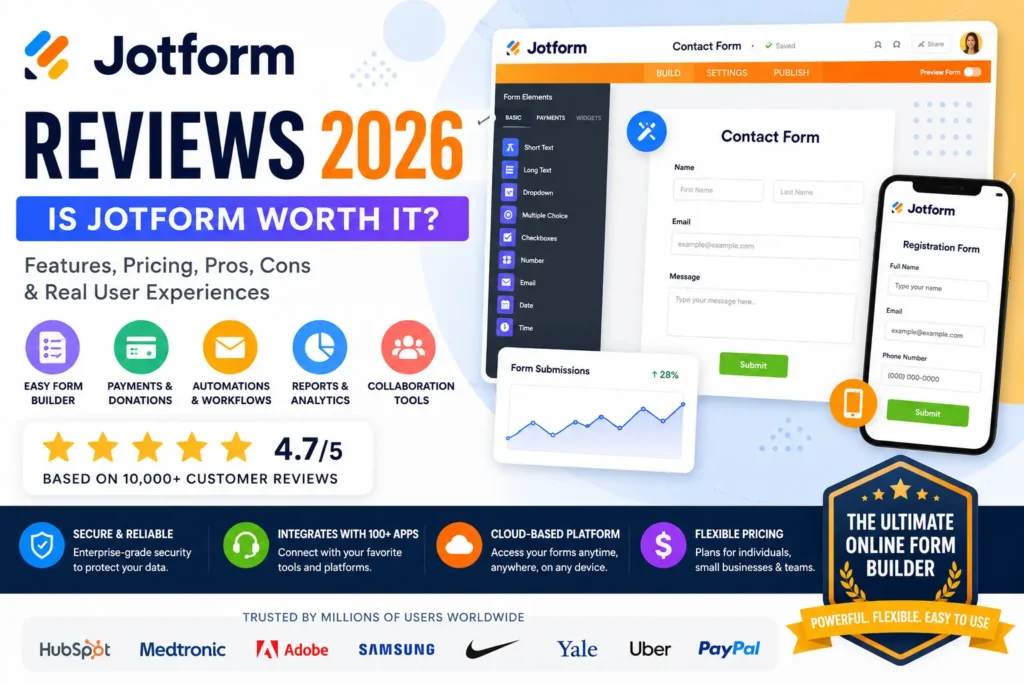
Creating online forms has become an essential part of running a modern business. Whether you need to collect customer inquiries, process payments, accept job applications, conduct surveys, or manage event registrations, a reliable form builder can save countless hours and improve productivity. Among the many platforms available today, Jotform has earned a reputation as one of the most powerful and user-friendly solutions on the market.
Founded in 2006, Jotform has helped millions of individuals and organizations create professional online forms without requiring coding knowledge. Its drag-and-drop interface, extensive template library, workflow automation, payment integrations, and collaboration tools make it a popular choice for businesses of all sizes.
In this in-depth Jotform Reviews 2026 guide, we’ll explore everything you need to know about the platform, including its features, ease of use, pricing, security, integrations, customer support, advantages, disadvantages, and whether it’s worth using in 2026.
What Is Jotform?
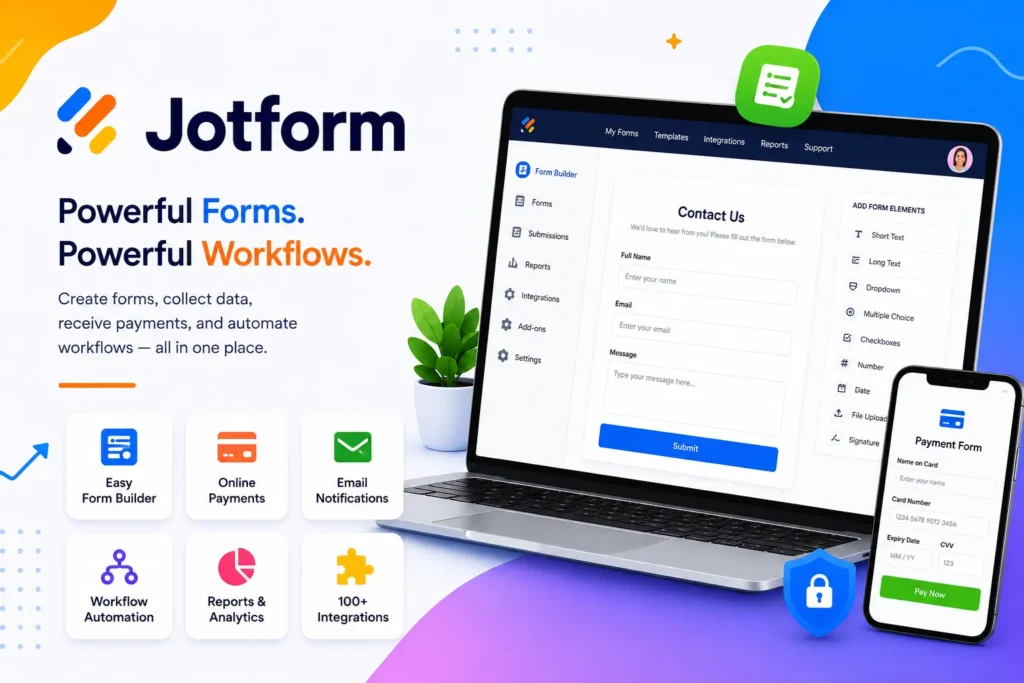
Jotform is a cloud-based online form builder that enables users to create customized forms for data collection and workflow automation. Instead of hiring developers or learning programming languages, users can build forms visually using an intuitive drag-and-drop editor.
The platform supports a wide variety of use cases, including:
- Contact forms
- Customer feedback surveys
- Appointment booking forms
- Job application forms
- Registration forms
- Order forms
- Payment collection forms
- Event management forms
- Medical intake forms
- School admissions forms
- Lead generation forms
- Membership applications
Because everything is web-based, users can access and manage their forms from anywhere with an internet connection.
Why Jotform Has Become So Popular
One reason Jotform continues to grow is its ability to combine simplicity with advanced functionality. Beginners can quickly create attractive forms, while larger organizations can build complex workflows with approvals, automation, conditional logic, and integrations.
The platform appeals to:
- Small businesses
- Enterprises
- Freelancers
- Marketing agencies
- Educational institutions
- Healthcare organizations
- Nonprofits
- Government offices
- Event organizers
- Consultants
Its versatility makes it suitable for nearly every industry.
User-Friendly Interface
The first thing many users notice about Jotform is its clean and organized dashboard.
Creating a form usually involves only a few simple steps:
- Choose a template or start from scratch.
- Drag fields into place.
- Customize colors and branding.
- Configure notifications and integrations.
- Publish and share the form.
The interface is designed to reduce complexity while still offering advanced customization for experienced users.
Powerful Drag-and-Drop Builder
Jotform’s visual builder eliminates the need for coding.
Users can easily add:
- Text input fields
- Email fields
- Phone number fields
- Dropdown menus
- Checkboxes
- Radio buttons
- Date selectors
- File uploads
- Signature fields
- Payment elements
- Image uploads
- Rating scales
- Matrix questions
- Hidden fields
Rearranging questions is as simple as dragging them to a new position.
Extensive Template Library
Jotform provides thousands of professionally designed templates, allowing users to launch forms quickly.
Popular template categories include:
Business Templates
- Contact forms
- Quote requests
- Lead generation
- Client onboarding
Education Templates
- Student registration
- Scholarship applications
- Course enrollment
- Parent surveys
Healthcare Templates
- Patient intake
- Consent forms
- Medical history
- Appointment scheduling
Human Resources
- Employment applications
- Employee feedback
- Performance reviews
- Leave requests
Events
- Conference registration
- Ticket booking
- Volunteer signups
- RSVP forms
Using templates significantly reduces setup time while maintaining a professional appearance.
Custom Branding Options
Businesses often want forms that match their visual identity.
Jotform allows customization of:
- Logos
- Fonts
- Colors
- Backgrounds
- Buttons
- Layouts
- Themes
This helps organizations create a seamless brand experience for customers and visitors.
Payment Collection Capabilities
One of Jotform’s strongest features is integrated payment processing.
Businesses can collect payments for:
- Products
- Services
- Donations
- Memberships
- Event tickets
- Appointments
- Online courses
This functionality makes Jotform useful not only for collecting information but also for generating revenue directly through forms.
Smart Conditional Logic
Conditional logic enables forms to adapt based on user responses.
For example:
- Display follow-up questions only when relevant.
- Skip unnecessary sections.
- Show personalized messages.
- Redirect users based on answers.
This creates shorter, more user-friendly forms that improve completion rates.
Workflow Automation
Automation reduces repetitive manual work.
Jotform supports automated workflows such as:
- Welcome emails
- Confirmation messages
- Approval requests
- Internal notifications
- Team assignments
- Status updates
- Follow-up reminders
These features help businesses operate more efficiently while improving communication.
Mobile Optimization
A large percentage of users complete forms on smartphones.
Jotform automatically optimizes forms for:
- Mobile phones
- Tablets
- Desktop computers
- Large displays
The responsive design ensures a consistent experience regardless of device.
Electronic Signature Support
Jotform allows legally accepted digital signatures to be collected within forms.
Common use cases include:
- Contracts
- Agreements
- Waivers
- Consent forms
- Service authorizations
- Employment documents
Electronic signatures eliminate paperwork and speed up approval processes.
Collaboration Features
Teams can work together using built-in collaboration tools.
Features include:
- Shared workspaces
- Multi-user editing
- Team permissions
- Access controls
- Internal comments
This makes Jotform suitable for organizations where multiple departments manage forms.
Security and Privacy
Data protection is a top priority for many businesses.
Jotform includes security features such as:
- Encrypted data transmission
- Secure cloud infrastructure
- User authentication
- Permission controls
- Backup systems
- Compliance-focused options
These measures help organizations handle customer information responsibly.
Analytics and Reporting
Understanding user behavior helps improve performance.
Jotform provides valuable insights including:
- Submission counts
- Response trends
- Completion rates
- User activity
- Downloadable reports
- Visual charts
Businesses can use this information to optimize forms and improve conversions.
Integrations
Jotform works with numerous third-party platforms, allowing businesses to connect forms with their existing tools.
Integration categories include:
- CRM software
- Email marketing platforms
- Cloud storage services
- Payment gateways
- Automation platforms
- Communication tools
- Project management systems
These integrations reduce manual data entry and streamline workflows.
AI Features
Recent enhancements have introduced AI-powered capabilities that assist users with:
- Form creation
- Question suggestions
- Workflow optimization
- Productivity improvements
- Faster setup
These features simplify complex tasks and accelerate deployment.
Customer Support
Jotform offers multiple support channels including:
- Help documentation
- Tutorials
- Community resources
- Email assistance
- Knowledge base articles
The platform also provides educational content that helps new users quickly become productive.
Pricing Overview
Jotform offers several pricing levels designed for different needs.
Free Plan
Suitable for individuals and beginners who need basic form-building functionality.
Paid Plans
Premium subscriptions provide:
- Higher submission limits
- More storage
- Advanced integrations
- Additional automation
- Team collaboration
- Expanded customization
- Greater scalability
Organizations can upgrade as their requirements grow.
Pros
- Extremely easy to use
- Excellent drag-and-drop builder
- Thousands of ready-made templates
- Supports online payments
- Mobile-friendly forms
- Advanced conditional logic
- Workflow automation capabilities
- Electronic signature functionality
- Strong customization options
- Wide integration ecosystem
- Suitable for businesses of all sizes
Cons
- Premium features require paid subscriptions
- Higher plans can become expensive for heavy usage
- Submission limits apply to lower-tier plans
- Complex workflows may require initial learning
- Some advanced integrations need additional configuration
Who Should Use Jotform?
Jotform is ideal for:
- Small businesses
- Startups
- Marketing professionals
- HR departments
- Schools and universities
- Healthcare providers
- Nonprofit organizations
- Event planners
- Agencies
- Consultants
- Freelancers
Whether you’re collecting leads, accepting payments, managing registrations, or automating internal processes, Jotform offers the flexibility to support a wide range of business needs.
Final Verdict
Jotform remains one of the most powerful and versatile online form builders available in 2026. Its combination of ease of use, extensive templates, workflow automation, payment collection, integrations, and enterprise-level capabilities makes it suitable for both individuals and organizations.
While premium plans can become costly for high-volume users, the platform’s functionality, flexibility, and reliability make it a strong investment for businesses that depend on forms and data collection.
For users seeking a professional form-building platform that balances simplicity with advanced functionality, Jotform continues to be one of the best choices available today.