
Introduction
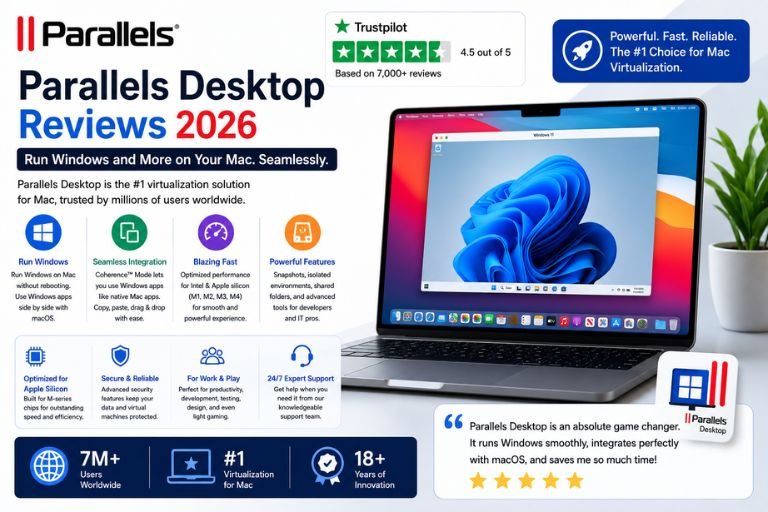
Virtualization software has become an essential tool for professionals, developers, students, businesses, and power users who need to run multiple operating systems on a single computer. For Mac users, one of the most popular virtualization solutions available today is Parallels Desktop.
Parallels Desktop allows Mac users to run Windows, Linux, and other operating systems directly on macOS without needing to reboot their computers. This flexibility has made it one of the most widely used virtualization platforms in the world.
Whether you’re a software developer, designer, engineer, gamer, business professional, or student, Parallels offers a convenient way to access Windows applications while continuing to use your Mac.
But with increasing competition and changing technology, is Parallels Desktop still worth the investment in 2026?
This detailed review covers everything you need to know about Parallels Desktop, including its features, performance, ease of use, compatibility, pricing, customer experiences, advantages, disadvantages, and overall value.
What Is Parallels Desktop?
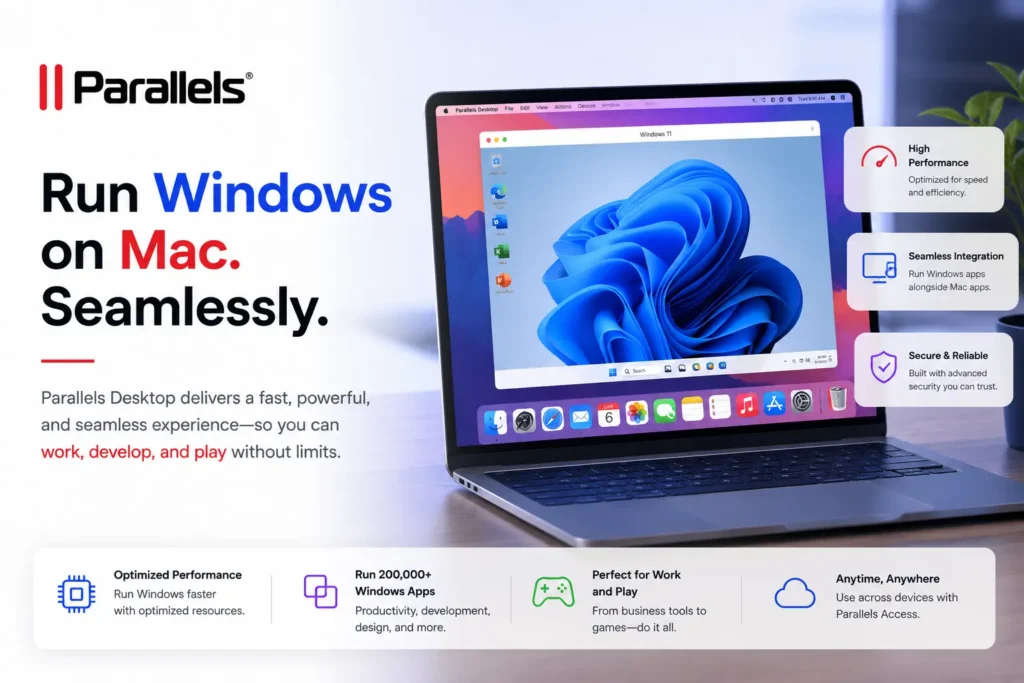
Parallels Desktop is virtualization software designed specifically for macOS.
The software enables users to run multiple operating systems simultaneously on a Mac without restarting their computer.
Supported operating systems include:
- Windows
- Linux
- Ubuntu
- Fedora
- Debian
- Chrome OS Flex
- Other operating systems
Instead of partitioning a hard drive or dual-booting, users can launch another operating system inside a virtual machine while continuing to use macOS.
This approach provides tremendous flexibility for users who need access to multiple computing environments.
Why Parallels Desktop Is So Popular
Several factors contribute to Parallels Desktop’s popularity.
Seamless Windows Integration
Many users need Windows-only applications but prefer using a Mac.
Parallels makes this possible without requiring separate hardware.
Excellent Performance
The software is optimized specifically for Mac hardware.
Easy Setup
Installation and configuration are relatively straightforward.
Professional Features
Advanced tools support developers, businesses, and power users.
Strong Apple Silicon Support
Parallels has adapted quickly to Apple’s transition to M-series processors.
These advantages have helped Parallels maintain a strong reputation among Mac users.
Installation Review
Installing Parallels Desktop is generally simple.
The process typically involves:
- Downloading the software
- Installing Parallels
- Creating a virtual machine
- Installing an operating system
Many users report completing the setup process within minutes.
The software includes guided installation tools that simplify the experience even for beginners.
This ease of use is one of Parallels’ strongest advantages.
User Interface Review
Parallels Desktop offers a polished and modern interface.
Users frequently praise:
- Clean design
- Easy navigation
- Simple controls
- Intuitive setup process
Managing virtual machines is straightforward, even for users with limited technical knowledge.
The interface balances simplicity with powerful functionality.
Advanced users can access extensive configuration options while beginners can rely on default settings.
Windows on Mac Experience
Running Windows on a Mac is one of the primary reasons people purchase Parallels Desktop.
The software allows users to:
- Launch Windows applications
- Access Windows-specific software
- Use enterprise applications
- Run productivity tools
- Work with specialized programs
Many users report that Windows applications feel almost native when running through Parallels.
This seamless integration significantly improves productivity.
Coherence Mode Review
One of Parallels Desktop’s most popular features is Coherence Mode.
This feature allows Windows applications to appear directly on the Mac desktop.
Benefits include:
- Native-like experience
- Faster workflow
- Easy multitasking
- Simplified application access
Users can launch Windows programs without interacting with the traditional Windows desktop.
Many customers consider this one of Parallels’ most valuable features.
Performance Review
Performance is one of the most important factors when evaluating virtualization software.
Parallels consistently performs extremely well.
Users frequently praise:
- Fast startup times
- Smooth application performance
- Responsive virtual machines
- Efficient resource management
The software is highly optimized for modern Mac hardware.
This optimization contributes significantly to its strong reputation.
Apple Silicon Performance
Apple’s transition to M-series processors created significant challenges for virtualization software.
Parallels quickly adapted and now offers excellent support for:
- M1 Macs
- M2 Macs
- M3 Macs
- M4 Macs
Many users report impressive performance when running Windows virtual machines on Apple Silicon devices.
Applications often run smoothly even during demanding workloads.
This strong Apple Silicon support has helped Parallels maintain its leadership position.
Resource Management Review
Virtual machines can consume substantial system resources.
Parallels provides flexible controls that allow users to allocate:
- CPU cores
- RAM
- Storage
- Graphics resources
This customization helps optimize performance based on individual needs.
Users appreciate the ability to fine-tune virtual machine configurations.
Gaming Review
Gaming performance varies depending on:
- Hardware specifications
- Game requirements
- Operating system version
Parallels supports many Windows games, especially lighter and older titles.
Some users successfully run:
- Strategy games
- Simulation games
- Productivity-focused applications
However, demanding AAA games may not perform as well as they would on native Windows systems.
Gamers seeking maximum performance may still prefer dedicated gaming hardware.
Developer Features Review
Parallels Desktop is highly popular among developers.
Benefits include:
- Multiple operating systems
- Testing environments
- Isolated virtual machines
- Easy snapshots
- Rapid deployment
Developers can test software across different platforms without maintaining multiple physical devices.
This capability saves time and reduces hardware costs.
Linux Virtualization Review
Linux support is another major strength.
Users can run distributions such as:
- Ubuntu
- Debian
- Fedora
- CentOS
- Kali Linux
Many developers and IT professionals use Parallels specifically for Linux-based workflows.
The software handles Linux virtual machines efficiently and reliably.
Business Use Review
Businesses frequently rely on Parallels for:
- Legacy applications
- Windows software access
- Employee productivity
- Software compatibility
Organizations appreciate the ability to standardize on Mac hardware while maintaining access to Windows-based applications.
This flexibility can simplify IT management.
File Sharing Features
Parallels provides extensive integration between macOS and virtual machines.
Users can easily:
- Share files
- Copy and paste content
- Drag and drop documents
- Access shared folders
These features improve workflow efficiency and reduce friction when switching between operating systems.
Security Review
Security remains an important consideration.
Parallels includes various protections such as:
- Virtual machine isolation
- Secure configuration options
- Encrypted virtual machines
- Controlled resource access
Virtual machines can also provide additional protection by isolating software environments.
Many businesses value this separation.
Snapshot Feature Review
Snapshots are among Parallels’ most useful tools.
A snapshot captures the exact state of a virtual machine.
Benefits include:
- Easy recovery
- Software testing
- Risk-free experimentation
- System restoration
Users can revert changes quickly if problems occur.
This feature is particularly valuable for developers and IT professionals.
Customer Support Review
Parallels offers customer support through:
- Documentation
- Knowledge base
- Email support
- Technical assistance
Many users report positive experiences with support representatives.
The documentation is comprehensive and helps solve many issues independently.
Pricing Review
Parallels Desktop is positioned as premium software.
Pricing options typically include:
- Annual subscriptions
- Standard Edition
- Pro Edition
- Business Edition
Some users dislike subscription-based pricing.
However, many customers believe the productivity benefits justify the cost.
For professionals who rely on virtualization daily, the value can be substantial.
What Customers Love About Parallels
Positive reviews commonly mention:
Easy Installation
Quick and beginner-friendly setup.
Excellent Performance
Fast and responsive virtual machines.
Strong Windows Integration
Windows applications work smoothly on Mac.
Coherence Mode
Makes Windows applications feel native.
Apple Silicon Optimization
Excellent support for modern Macs.
Reliable Virtualization
Stable and dependable operation.
Developer-Friendly Features
Useful testing and deployment tools.
Common Complaints
Despite its popularity, Parallels is not perfect.
Subscription Pricing
Some users prefer one-time purchases.
Resource Usage
Virtual machines can consume significant system resources.
Gaming Limitations
Not ideal for high-end gaming.
Advanced Features Cost More
Professional features often require higher-tier plans.
Learning Curve
Advanced virtualization settings may require experience.
Pros and Cons
Pros
- Excellent Mac Integration
- Fast Performance
- Easy Setup
- Strong Windows Support
- Coherence Mode
- Apple Silicon Compatibility
- Reliable Virtualization
- Developer-Friendly Features
- Business-Oriented Tools
Cons
- Subscription Costs
- Resource Intensive
- Limited Gaming Performance
- Premium Pricing
- Advanced Features Require Higher Plans
Who Should Use Parallels Desktop?
Parallels Desktop is ideal for:
- Mac Users
- Developers
- Software Engineers
- IT Professionals
- Business Users
- Students
- Designers
- Enterprise Teams
It is particularly valuable for users who need Windows applications while remaining within the Apple ecosystem.
Final Verdict
Parallels Desktop remains the gold standard for virtualization on Mac in 2026. Its combination of performance, ease of use, seamless Windows integration, Apple Silicon optimization, and professional-grade features makes it one of the best virtualization solutions available.
While the subscription pricing may not appeal to everyone, the software consistently delivers a smooth and productive experience that many users find well worth the investment.
For Mac users who need reliable access to Windows, Linux, or other operating systems without sacrificing the macOS experience, Parallels Desktop continues to be one of the strongest and most trusted solutions on the market today.